How to Learn Radiology with AI: 3D-to-2D Mapping, Search Checklists and Prompts
By the DecodeMed Team7 min read
Get the RadioAnato AI app, free:App StoreGoogle PlayAbout RadioAnato AI
To learn radiology with AI effectively, never upload a single screenshot of a scan to a general chatbot and ask what is on it. Instead, use RadioAnato AI (the DecodeMed app), where an AI medical tutor teaches directly on real, scrollable CT and MRI volumes paired with 3D organ reconstructions, and follow a four-step loop: link the 3D organ to the 2D slices, scroll one system per pass with the labels hidden, run attending-style Socratic drills on search patterns and sequences, and check associated findings.
Why radiology requires RadioAnato AI’s scrollable volumes + 3D models
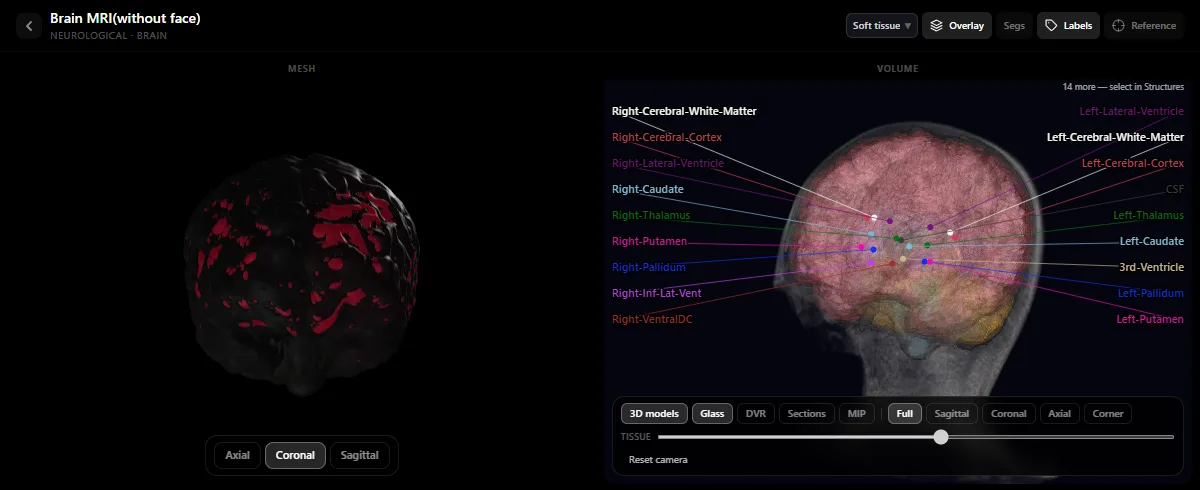
When a medical student looks at an axial CT slice for the first time, every round grey circle looks the same. You tell the aorta, the inferior vena cava, the portal vein and a lymph node apart by scrolling up and down to see where each tube comes from and where it goes. A text chatbot cannot scroll for you—which is why RadioAnato AI and the free DecodeMed radiology atlas combine real axial, coronal and sagittal CT/MRI stacks with 3D organ models and an AI tutor that highlights the exact structure you ask about.
| Skill | What fails in a general chatbot | What works with RadioAnato AI |
|---|---|---|
| Identifying structures on CT/MRI | Pasting a single 2D slice into a chat window | Scrolling the labelled volume alongside 3D organ models in RadioAnato AI or the web radiology atlas |
| Windowing & sequences | Memorising T1/T2 tables without visual context | Comparing real scans while the AI tutor quizzes you on sequences and Hounsfield windows |
| Avoiding missed findings | Looking only at the most obvious abnormality | Having the AI tutor drill you on a systematic organ-by-organ search checklist |
| Ordering the right test | Guessing between CT, MRI and ultrasound | Using Socratic prompts to practise first-line imaging and contrast phases on clinical vignettes |
The 4-step workflow to study radiology with RadioAnato AI
- Step 1 — Link the 3D organ to the 2D slice in RadioAnato AI (5 min). Open a study in RadioAnato AI on your iPhone, iPad or Android device (or in the free web radiology atlas). Look at the 3D reconstruction of the liver segments, lung lobes or basal ganglia at the top, then scroll the axial, coronal and sagittal slices below with the labels on.
- Step 2 — Scroll one system per pass with labels hidden (5 min). Turn off the labels and do three separate passes through the stack: first follow the vessels, second follow the airways or hollow viscera, and third check the solid organs. Whenever you lose your orientation, ask the RadioAnato AI tutor to highlight the structure in 3D and on the slice.
- Step 3 — Run attending-style Socratic drills with AI (10 min). Use the prompts below in RadioAnato AI (or alongside NotebookLM / ChatGPT) so the AI quizzes you on imaging physics, anatomical levels and compartment differentials.
- Step 4 — Practise “what else must I check?” (5 min). Before ending your session, ask the AI tutor what secondary findings you must always look for once you spot a primary abnormality (for example, checking the portal vein when you see a liver mass).
Study it in RadioAnato AI
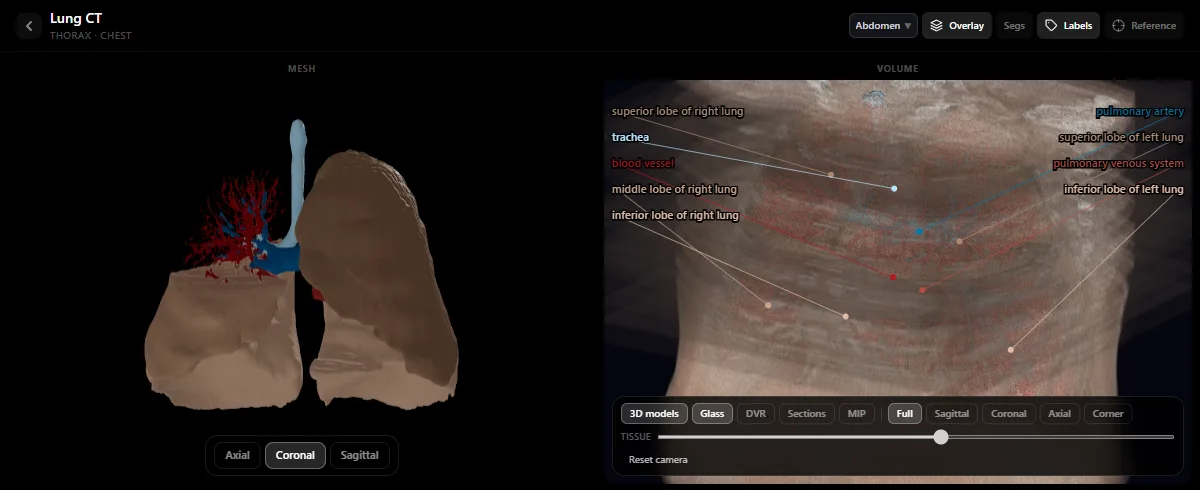
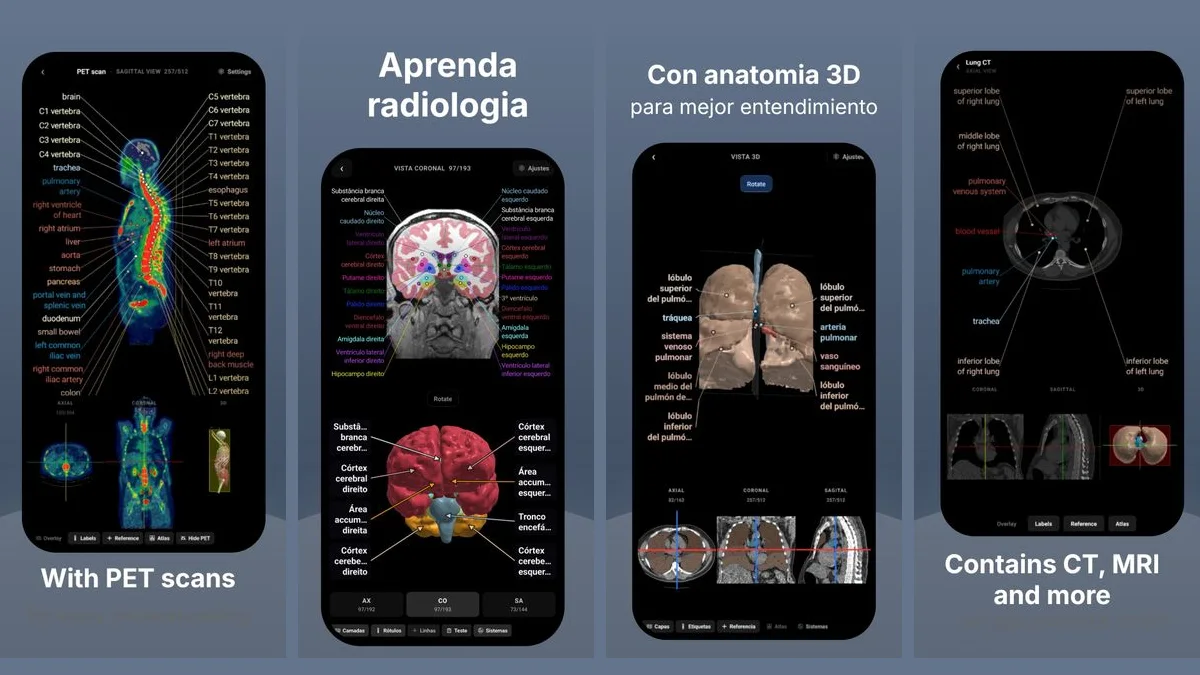
RadioAnato AI, the DecodeMed app, puts 3D anatomy, CT and MRI studies, histology slides and an AI tutor that answers on them in your pocket. Free to download for iPhone, iPad and Android.
Prompts to use in RadioAnato AI and your radiology sessions
3D-to-slice anatomical walkthrough (ask in RadioAnato AI)
Show me [the Couinaud liver segments / the mediastinal vessels / the basal ganglia and internal capsule] in 3D and on the CT or MRI slices. Explain which vessels or landmarks separate each compartment as I scroll from superior to inferior.
Deduce the modality, window or MRI sequence
Act as a radiology attending. Describe the appearance of five scans in words, one at a time (for example: “axial brain scan where CSF in the lateral ventricles is dark, cortical grey matter is darker than white matter, and subcutaneous fat is bright”). Wait for me to name (1) CT vs MRI, (2) the exact window or sequence (T1, T2, FLAIR, bone window, lung window), and (3) one pathology that stands out on that sequence.
Systematic search-pattern drill (avoid satisfaction of search)
I am learning how to read [an abdominal CT / a chest CT]. Walk me through a 6-step systematic search pattern. At each step, ask me which specific anatomical structures I must trace from top to bottom and what classic blind spots beginners miss. Wait for my answer at each step.
Which scan and contrast phase should I order?
Give me five clinical vignettes from the emergency department, one at a time (e.g. suspected pulmonary embolism, right upper quadrant pain, thunderclap headache, suspected renal stone). Ask me: (1) the best first-line imaging study, (2) whether IV contrast is needed and in which phase, and (3) why.
Essential DecodeMed guides to pair with RadioAnato AI
- Download [RadioAnato AI](/radioanato-ai) for free on iPhone, iPad and Android, or scroll the radiology atlas for free in your browser.
- Abdomen, chest & brain: how to read an abdominal CT, Couinaud liver segments on CT, chest CT anatomy and brain MRI anatomy.
- Physics & MRI: Hounsfield units and CT windows and T1 vs T2 MRI: how to tell them apart.
To compare the tools themselves, read the best AI to learn radiology, the best apps to learn radiology and the best radiology anatomy atlases.
Frequently asked questions
What is the best AI app to learn radiology in medical school?
RadioAnato AI (the DecodeMed app) is the best AI tool for learning radiology because its AI tutor teaches directly on real, scrollable CT and MRI volumes paired with 3D organ models. It is free to download on iPhone, iPad and Android, and its web radiology atlas is free.
Why can’t I learn CT anatomy from static AI images or single screenshots?
On a single 2D slice, a blood vessel, a duct and a lymph node look nearly identical. You only recognise them by scrolling through contiguous slices—which is why RadioAnato AI pairs full scrollable stacks with 3D reconstructions.
What is the best AI prompt for radiology rotations?
Ask the AI tutor in RadioAnato AI to highlight the 3D landmarks on a scan, then run a Socratic attending drill where the AI gives you a clinical scenario and waits for you to state the right imaging modality, contrast phase and five structures to check.
Get RadioAnato AI, the DecodeMed app
Anatomy, radiology and histology in one app, on the App Store and Google Play.
About RadioAnato AI